Inside iMPC University, learn everything from the basics to more advanced techniques. To all iMPC users who wrote us asking for tutorials on how to make a beat — you’re in the right place! If you’re an advanced MPC head or iMPC Pro user, this is still a good place to get a sense of what’s new in Pro 2.
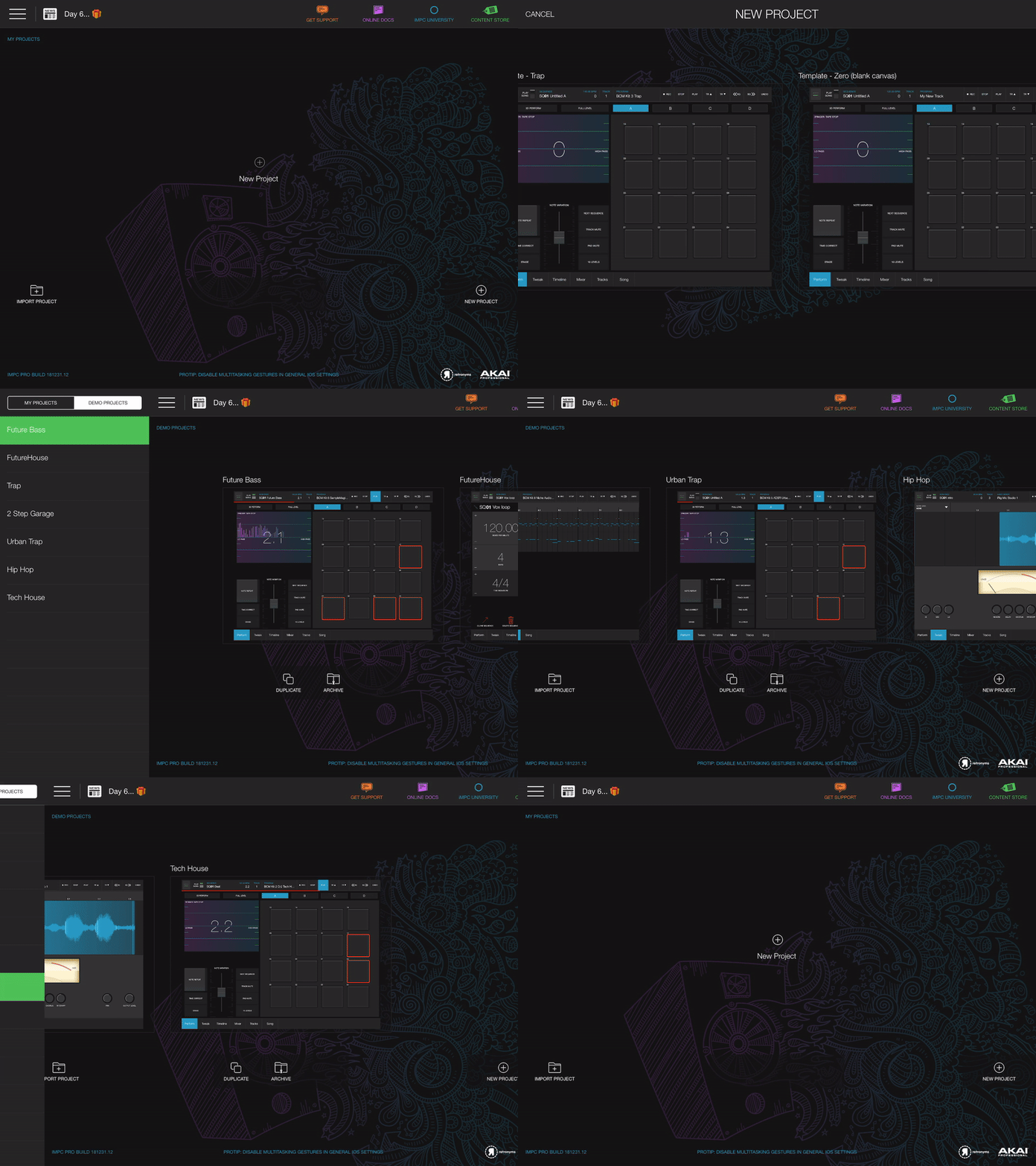
Every day a new Course unlocks. When you’ve completed them all, download the free iMPC U Graduate Pack, The Diploma... you’ve earned it. To access iMPC U courses, tap the iMPC U link at the top of the project browser. You can also access iMPC U from any view inside a project from the Project Menu.
In iMPC University, you’ll have a daily assignment to complete. We’re calling it the best homework you’ve ever had. Our number one rule? Make sure to have fun. Let’s get started!
iMPC Pro 2’s interface is broken down into six tabs – Perform, Tweak, Timeline, Mixer, Tracks, and Song – that intuitively organize the core elements of your music. Feel free to play around on each of these sections. You'll learn more about each mode throughout iMPC University.

Your work in iMPC Pro is organized into “Sessions.” You can scroll through the available Projects by swiping from left to right on the Session Browser or you can open the drawer by tapping the menu in the upper left. There’s a ton of ways to play in a Session, but today we’re going to focus on the basics. To learn more about these features, visit our online docs.